API Overview
The Row64 API enables users to quickly and easily create dashboards and data apps. Row64's APIs support a high degree of customization, allowing users to build unique and powerful data platforms.
DATA API
Data flow in Row64 centers around high-speed and low-level byte data moving between applications and services. The Data API makes it simple to load, read, and transform data using the familiar Python syntax.
WEB API
The Web API exposes JavaScript functions that allow users to design their own UI experiences and workflows. By manipulating JavaScript functions and events in the Web API, users can add or edit dashboard functionality, create pop-ups that drill into data, customize dashboard workflows, and more.
STREAM API
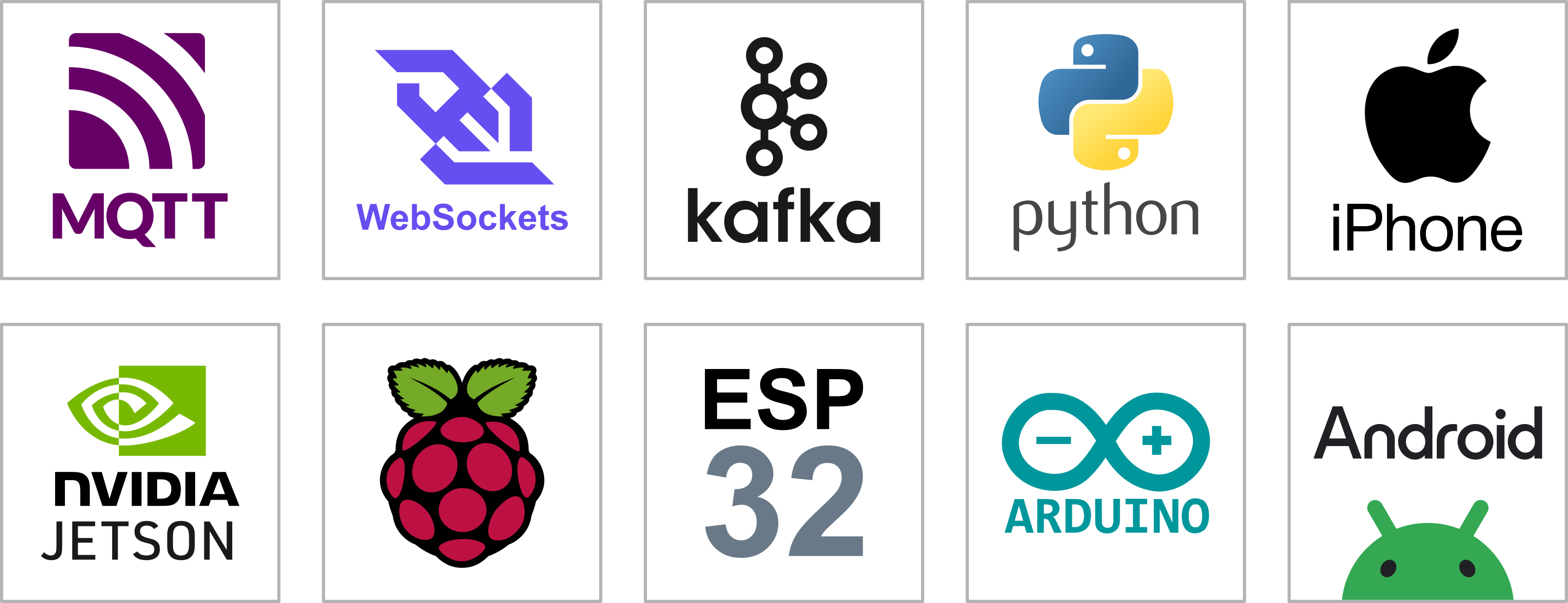
The Stream API creates flexible connections to data streaming services, including: MQTT, Kafka, WebSockets, and database connections. Through the Stream API, users can detect alerts, events, and incidents, and orchestrate responses through data, interfaces, or events.
DASH API
The DashAPI allows users to automate dashboard creation, deployment, and modification. Dashboard patterns can be engineered as a modular framework that dynamically creates the right dashboard for the right user. A master dashboard can be individualized for multiple clients, properties, offices, or franchises.
DRAW API
The Draw API is a Python scripting language for generating maps and diagrams. It can handle quickly-changing dynamic visual data, and can be used for overlaying site and city planning to generate large-scale organizational charts and business process maps.
Data API
Data flow in Row64 centers around high-speed and low-level byte data moving between applications and services. The Data API makes it simple to load, read, and transform data using the familiar Python syntax.
Data and database information is manipulated in the Row64 API by row64tools, which creates and modifies .ramdb files. The .ramdb database table format can also be used as part of API Signals to Row64 Server through the Stream API.
.ramdb files are defined by the ByteStream data format. This low-level format prepares data for high-speed and large-scale dashboard cross-filtering and streaming.

.ramdb and ByteStream is able to achieve incredible speeds due to its byte-level typed data format and optimizations for L3 cache and RAM throughput.
Web API

The Web API exposes JavaScript functions that allow users to design their own UI experiences and workflows. By manipulating JavaScript functions and events in the Web API, users can add or edit dashboard functionality, create pop-ups that drill into data, customize dashboard workflows, and more.
The low-level Row64 dashboard and app base is written in Web Assembly for speed, but users use JavaScript to control events and pop-ups to build your own workflow.
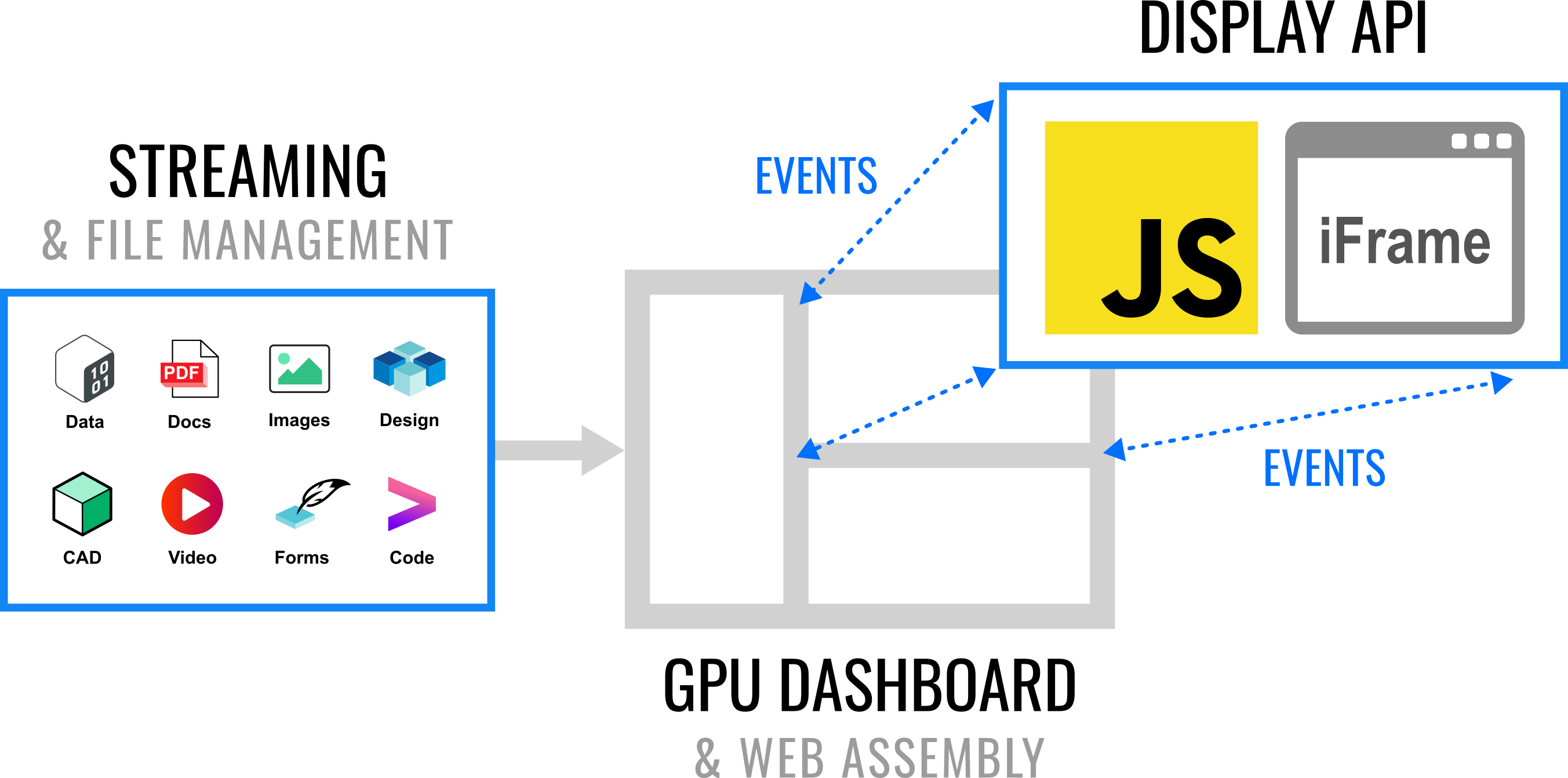
The Web API also works with OpenID Connect authentication, so users can store files on the server and securely pass them to web apps. The API is also designed to work as a file viewer and for custom user experiences, like forms, data drill-ins, or a user journey through a custom app.
Stream API
The Row64 stream API is a set of Python tools that makes it easy to connect high-speed and large-scale streaming appliances. The Stream API works with many popular streaming protocols and IoT devices.
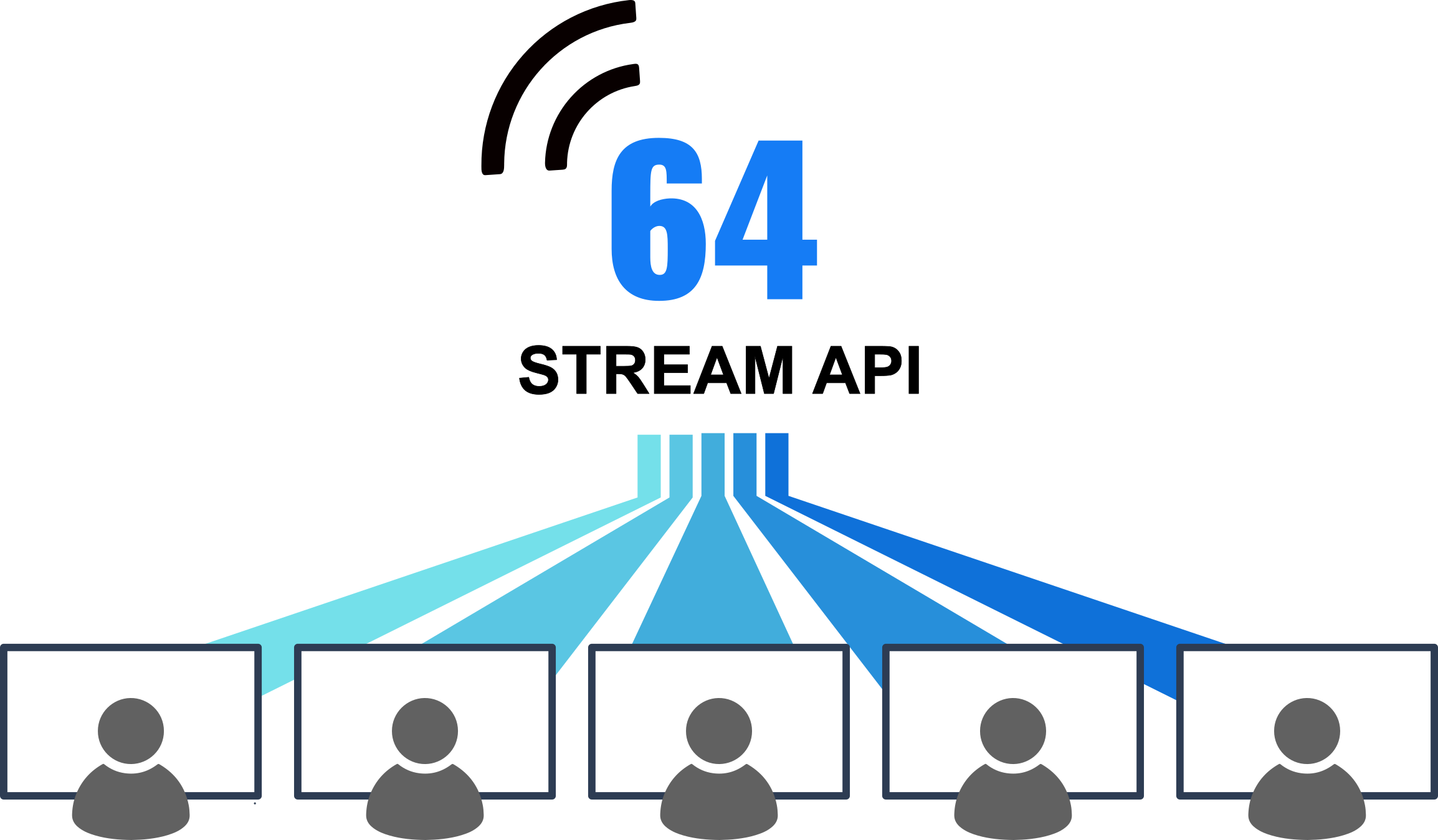
A primary benefit of connecting Row64 to a streaming pipeline is the ability to display and visualize details of complex systems. Row64 can handle the global view of large datasets with rapid changes.
Row64 also offers the ability to cross filter and drill in on the details of changing data. This allows for a new kind of operations center, where distributed teams can monitor and understand anomalies, targets, and process drift as it happens.
Conventional BI tools typically involve a multi-hour ingest and ETL process. Most visualization tools are not GPU-based and often require the summaries to be simplified in advance. In contrast, Row64 works with large datasets with no baked summaries, and all drill-in analyses can be done on the full data set, leading to greater operational intelligence.
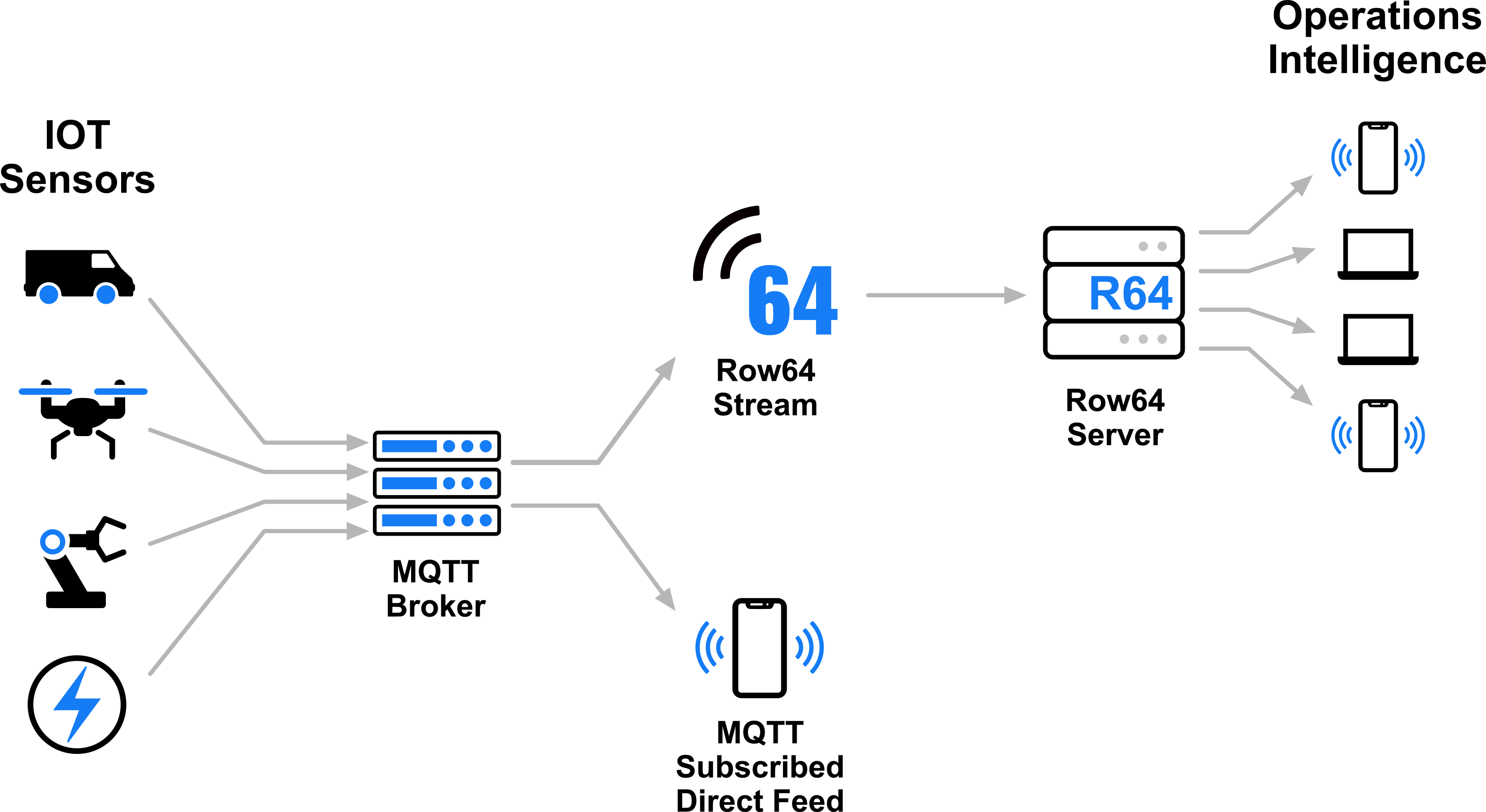
For simplicity, the Stream API is based on Python to make it easy to use and connect new configurations. It also includes many high-speed and low-level components for:
- Triggering alerts, events, and incidents
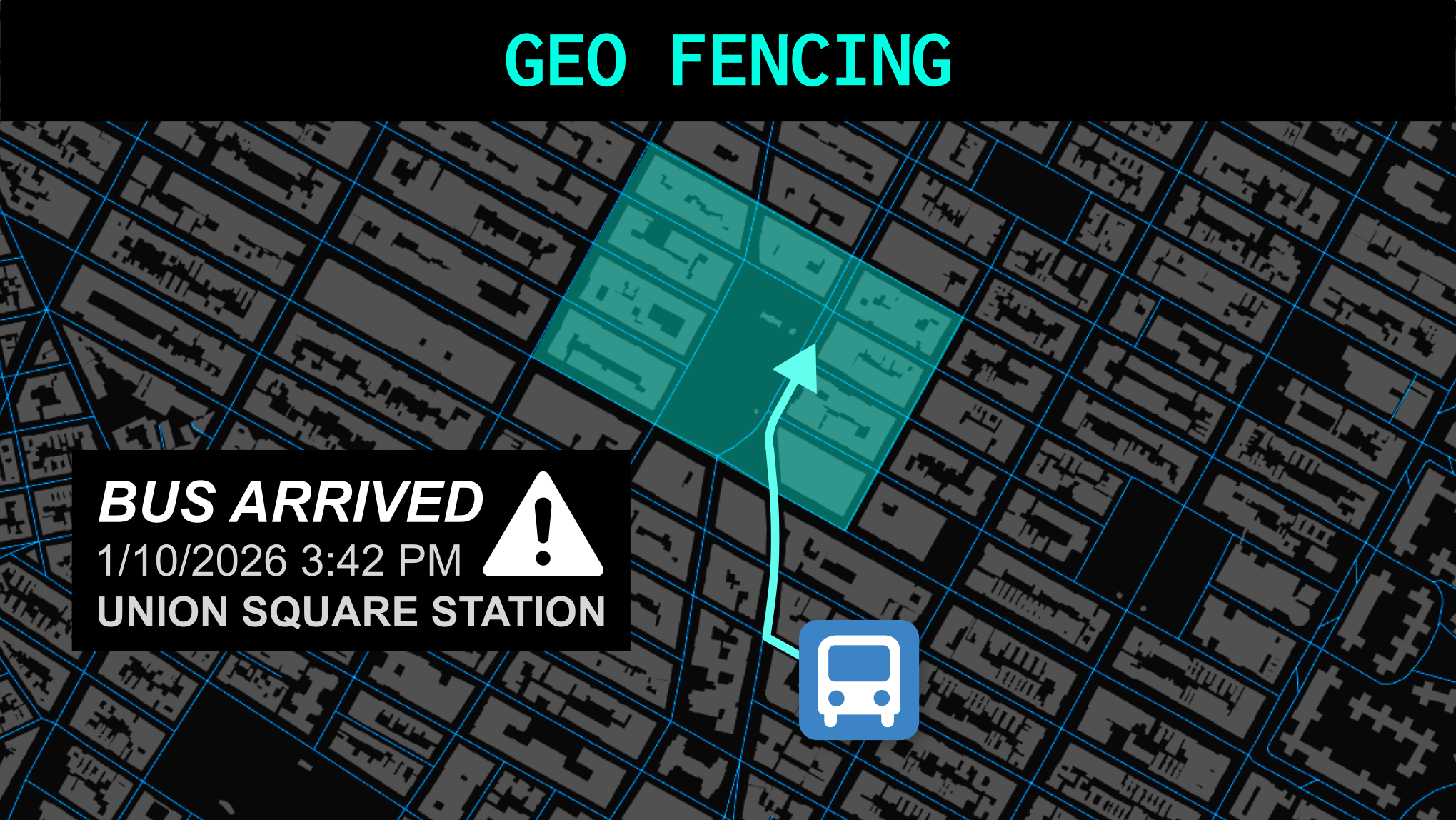
- Geo fencing
- SCADA and event history
- Data transformation
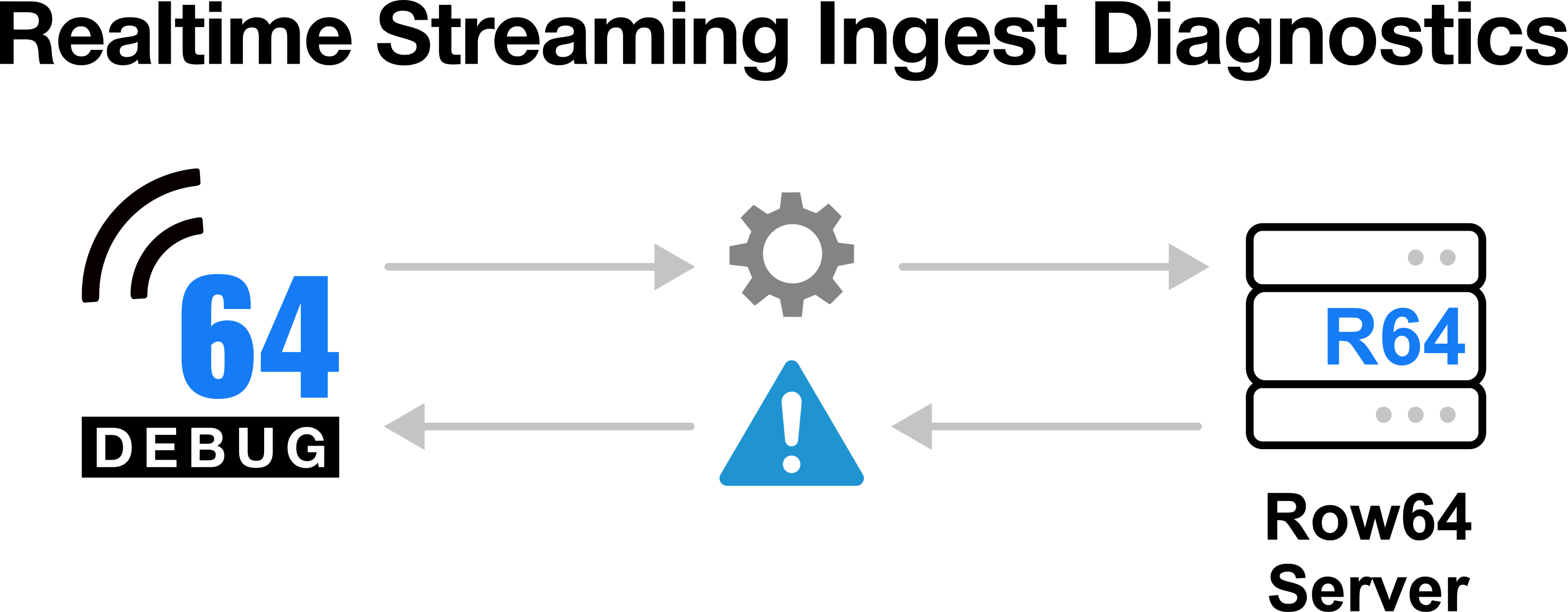
Debugging streaming can be complex and time consuming. To simplify the configuring of a production-ready setup, the Stream API includes many debugging tools. The API can switch into Debug Mode, where the server provides detailed feedback on any malformed signals. Using the built-in debugging tools can significantly reduce the time needed for a new setup.
Dash API
The DashAPI is used to generate dashboards from Python scripts. It can either generate all details of a dashboard from scratch, or load an existing dashboard and create variants.
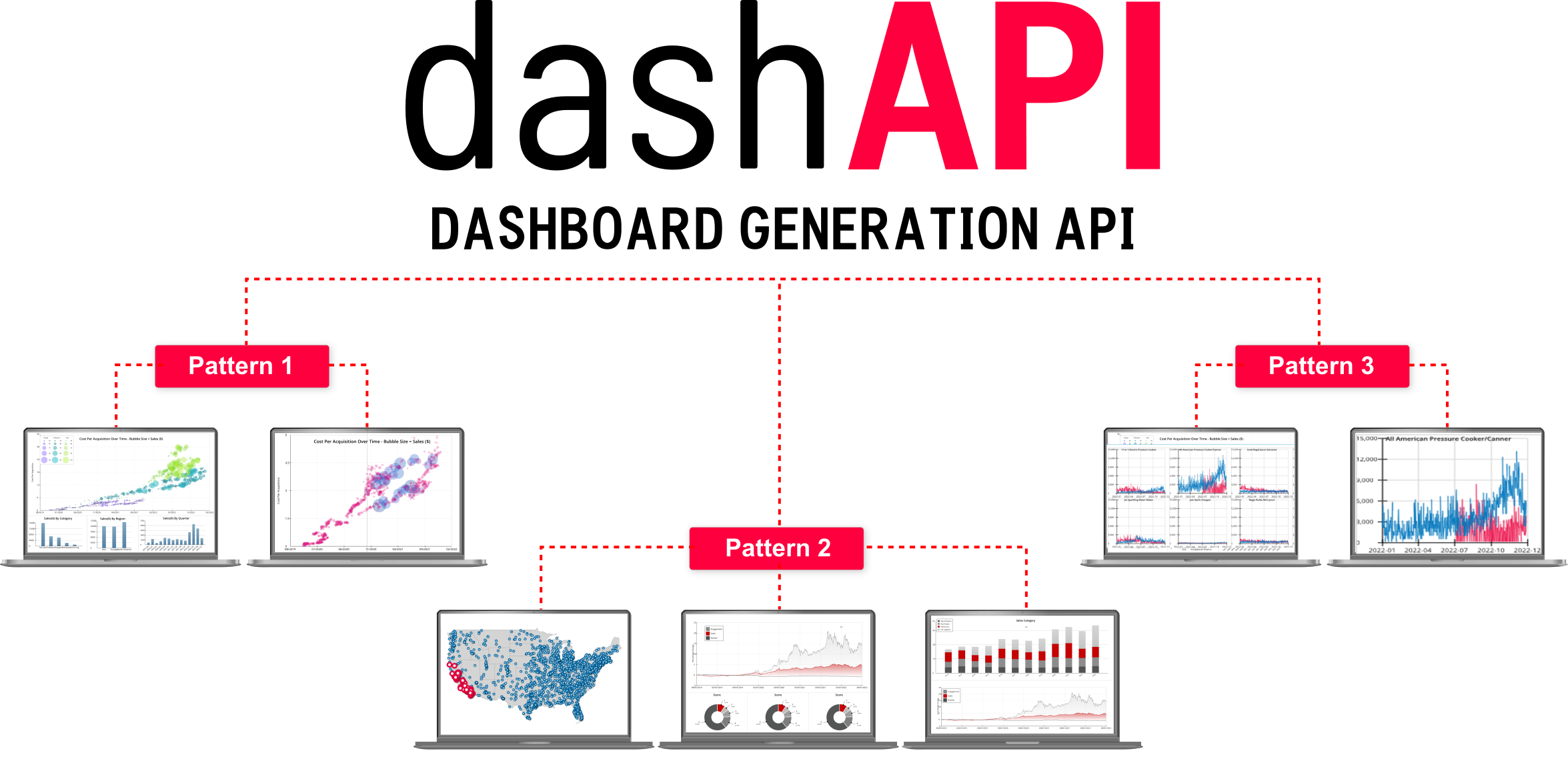
Dashboard patterns can be engineered as a modular framework that dynamically creates the right dashboard for the right user. A master dashboard can be individualized for multiple clients, properties, offices, or franchises.
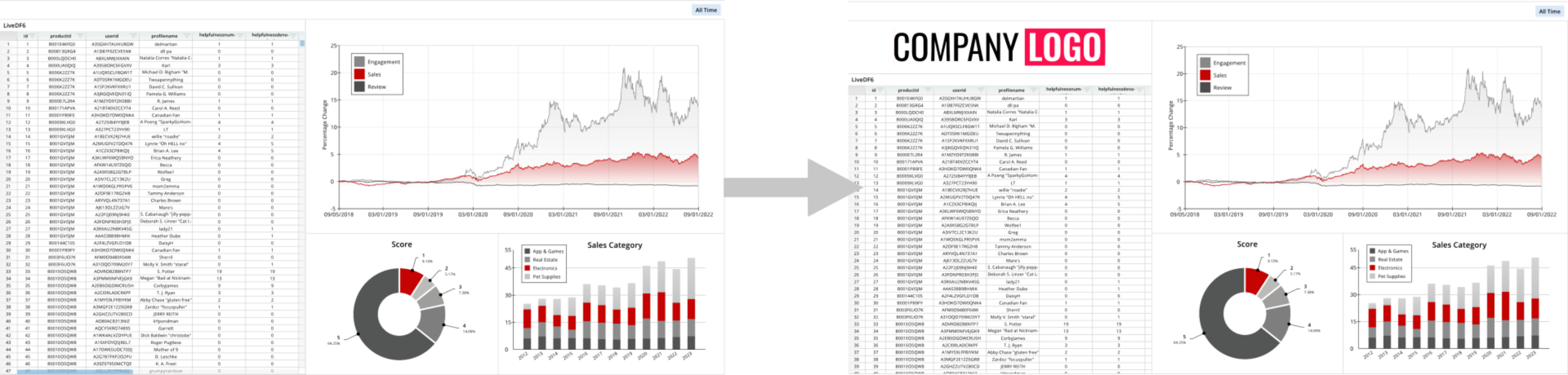
The DashAPI covers all details of dashboard creation in Row64 Studio.
Draw API
The Draw API is a Python scripting language for generating maps and diagrams. The Draw API can handle rapidly-changing dynamic visual data, and can be used for overlaying site and city planning to generate large-scale organizational charts and business process maps.
The core of the Draw API is generating and modifying .geo files. In Row64, .geo files drive fast GPU rendering of maps and diagrams. The Draw API provides a simple Python interface for setting up layers within maps and diagrams.
The Draw API can:
- Build custom maps and generate overlays, which would benefit city planning and property management, for example.
- Generate living diagrams, like changing org charts that require dynamic updates.
- Quickly generate flowcharts, organiztional charts, diagrams, business process maps, plans, user flows, journeys, and network diagrams.
The Draw API also includes mapping high-speed geo fencing data, which is integrated with streaming.