Text Formatting

Overview of Text Formatting
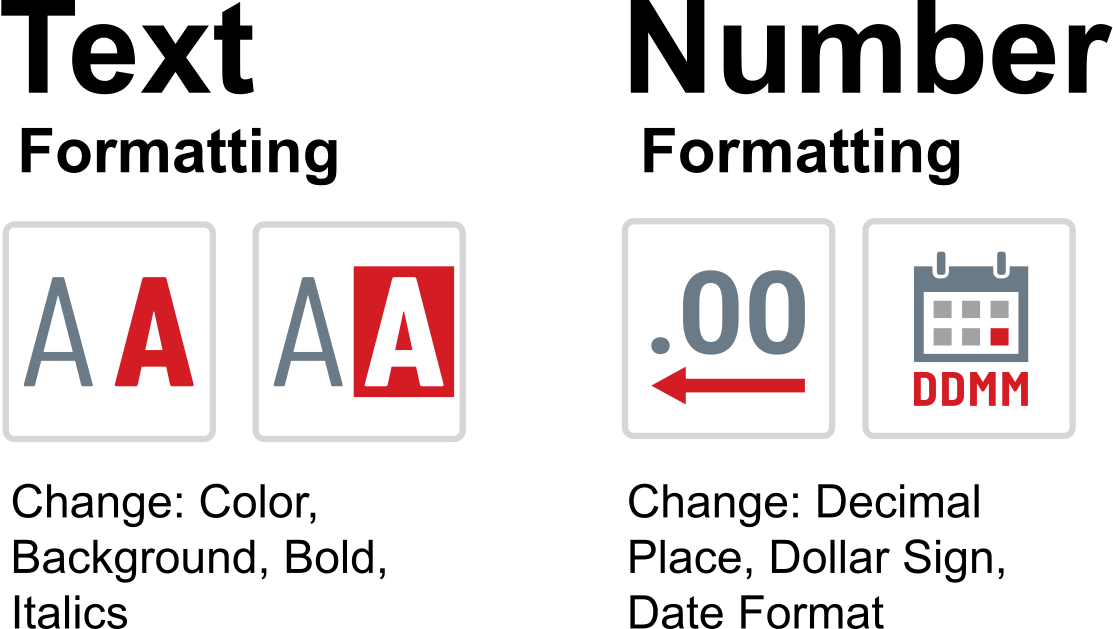
Text formatting allows users to change the visual style of text. Users have control over the font and background color, as well as the common emphasis options, which include: bold, italic, and underline. Text formatting can be merged with number formatting, and the DashAPI allows users to set both.
Number Formatting versus Text Formatting
Although text and number formatting can be used together, they are different and use different syntaxes. Number formatting is used to establish number formats, such as determining how many decimal places should be visible. To learn about number formatting, please see the Number Formatting article.
For example, a text entry that is colored red and displays two decimal places is a case of text and number formatting being applied together.
Text Format Codes
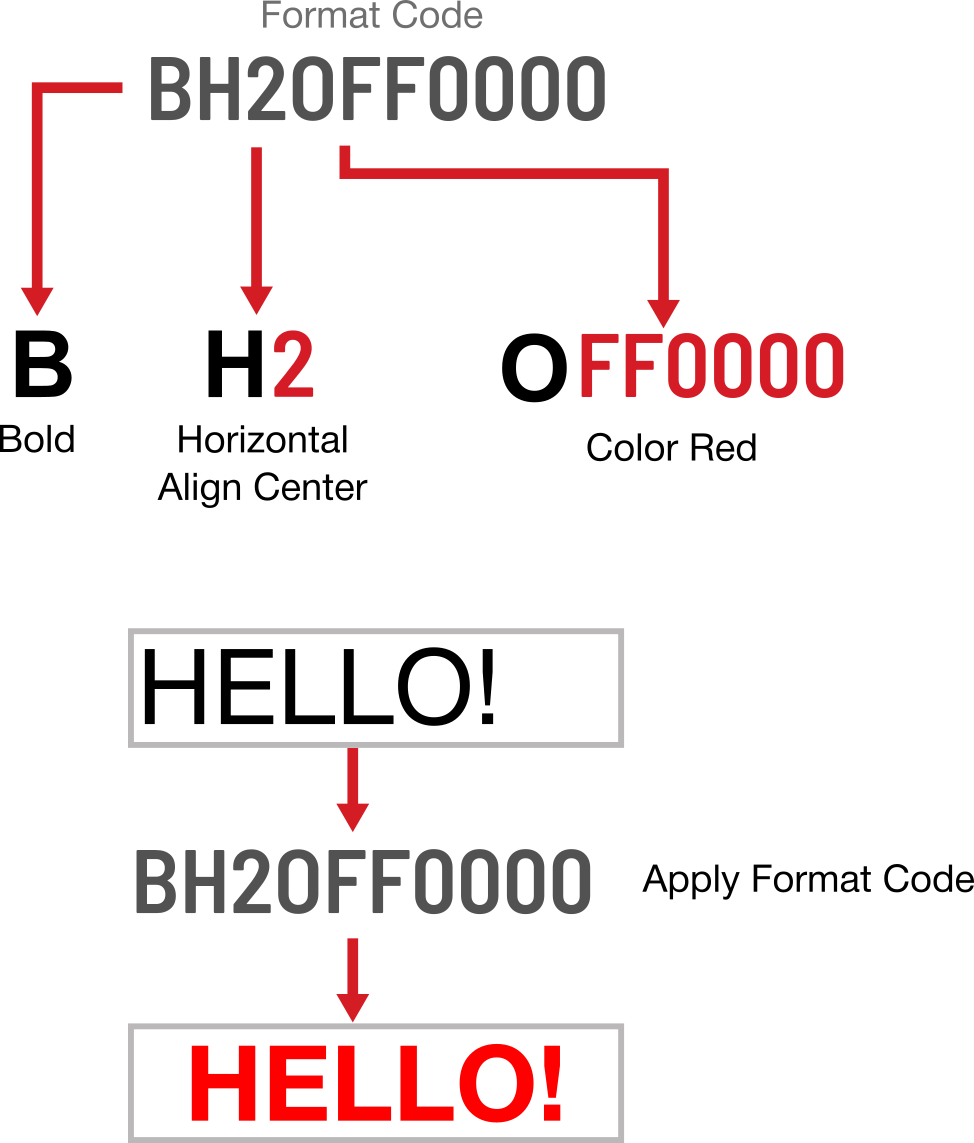
Text Formatting is applied through Text Format Codes. A format code is a string of single-character instructions that are applied sequentially. An example of a format code is the following: BH20FF0000.
A character indicates which setting to change, and some options require the inclusion of sub-options, which are simply secondary values supplied with the primary configuration option character.
For example, to change horizontal alignment, you would use the H character, but you would then need to supply a secondary character to determine which direction the alignment should be, such as 0 for general, 1 for left, 2 for center, and 3 for right. If you wanted center horizontal alignment, the character combination would be: H2. You may notice that the format code above includes this center alignment option.
Text format codes might seem complex at first glance, but they are easy to grasp once you understand their composition. Format codes are read from left to right and are sequentially executed, one character option at a time. The following is a breakdown of the example format code: BH20FF0000.
B= Make the text boldH2= For horizontal alignment (H), apply center alignment (2)OFF0000= Change the color (O) to red (FF0000)
Format Code Options
When designing your own formatting, you will need to reference to the following tables for format code options:
For spreadsheet cells and pane formulas:
| Character | Description | Example |
|---|---|---|
| B | Bold | B |
| I | Italic | I |
| U | Underline | U |
| V |
Vertical Alignment
|
V2 |
| H |
Horizontal Alignment
|
H2 |
| W | Word Wrap | W |
| O | Font Color. Six hex digits follow to define the color. | OFF0000 |
| C | Background Color. Six hex digits follow to define the color. | CFF0000 |
Used by pane formulas only:
| Character | Description | Example |
|---|---|---|
| S | Font Size. Supply a number for the size. | S32 |