Add an Image
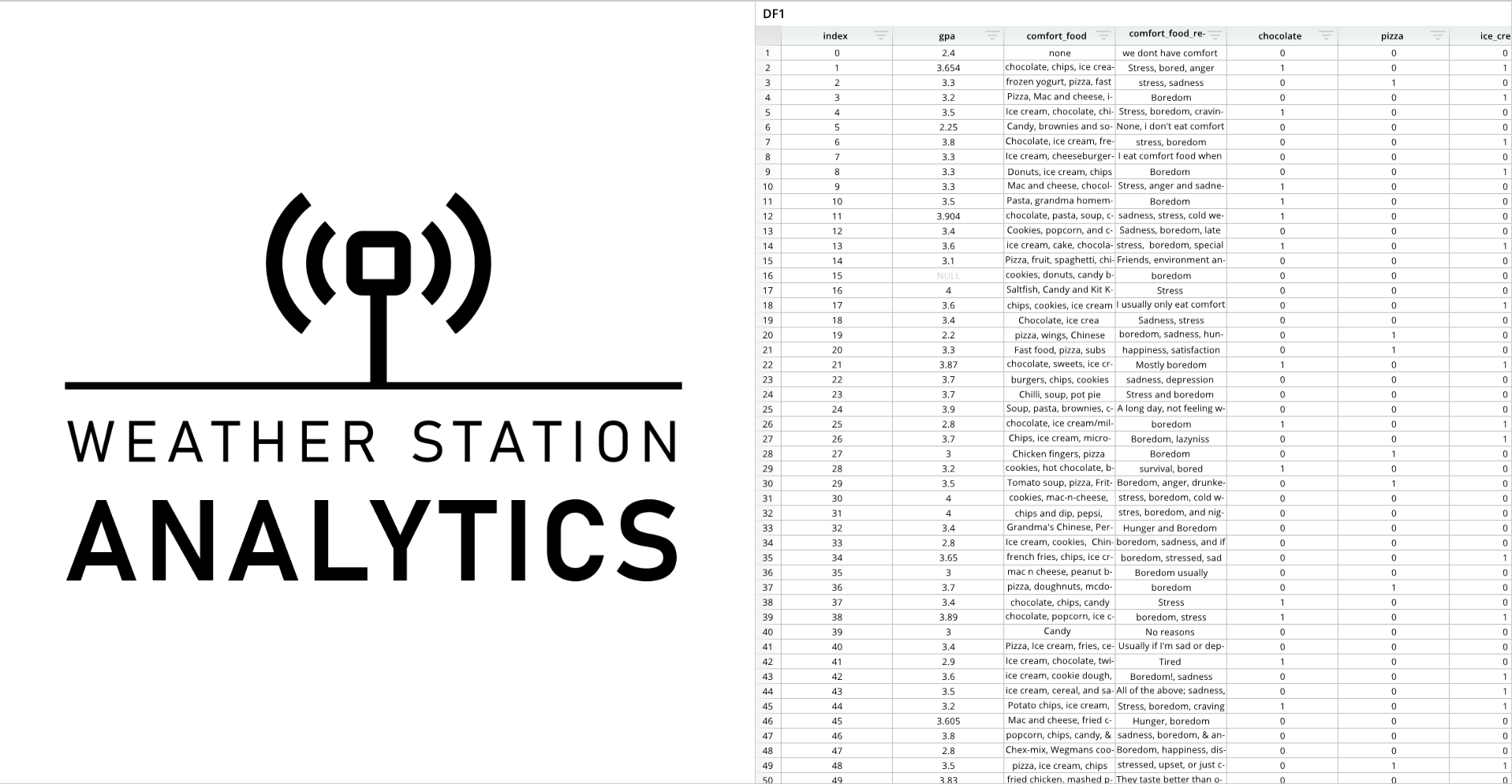
Images can be added to dashboard panes.
Required Components
Adding an image to a dashboard pane requires the following components:
imgPath- A variable that stores the file path.
- Users can use either a static, text-based file path, or call the
os.path.join()function to dynamically generate a file path based on the location of the current directory.- File path example:
"/home/row64/Pictures/Screenshots/Example_Logo.png" - Function example:
os.path.join(dash.get_folder(), "Example_Logo.png")
- File path example:
imgDef = []- A list of formatting options for the image. For example, this list can specify padding.
dash.add_image()- A function that adds the image to a designated dashboard pane.
- This list accepts a dashboard pane name,
imgPath, andimgDefas arguments.
Components Syntax
imgPath
Static file path example:
imgPath = "/home/row64/Pictures/Screenshots/Example_Logo.png"
os.path.join() example:
imgPath = os.path.join(dash.get_folder(), "Example_Logo.png")
The imgPath variable is a simple Python variable that stores the file path of the desired image. This variable can either store a file path string, or a file path can be generated with the Python os.path.join() function.
imgDef
imgDef = [
    ["OPTION_1", VALUE_1],
    ["OPTION_2", VALUE_2],
    ...
]
The imgDef list contains formatting options for the image. Each formatting option should be contained in brackets [ ], and each list item should be separated by commas. List items consist of option names and option values.
dash.add_image()
dash.add_image("PANE_NAME", imgPath, imgDef)
The dash.add_image() function adds an image to a designated dashboard pane and takes the image path and formatting list as arguments.
"PANE_NAME"- The name of a pane from the pane list (
pList) that the image should be placed on. The name provided for this argument should match a pane name from the pane list.
- The name of a pane from the pane list (
imgPath- The image path variable.
imgDef- The image formatting list.
Code Example
# Module import
from row64tools.dash64 import dash64
import os

# Dashboard save path
dash = dash64("/var/www/dashboards/temp/image.dash")

# Pane list
pList = [
    ["Dashboard",       "",             "1600",     "900",  "x"],
    ["Left",         "Dashboard",    "*",        "*",    ""],
    ["Right",      "Dashboard",    "*",        "50%",  ""]
]

# Set panes
dash.Layout.set_panes(pList)

# Import a dataframe
dash.add_ramdb("/var/www/ramdb/live/RAMDB.Row64/Examples/FoodGPA.ramdb","DF1")

# Add the dataframe to a dashboard pane
dash.add_df("DF1", "Right")

# Image path
imgPath = os.path.join(dash.get_folder(), "Test_Logo.png")

# Image formatting options
imgDef = [
    ["Padding", .1],
    ["Link", "www.row64.com"]
]

# Add the image to a dashboard pane
dash.add_image("Left", imgPath, imgDef)

# Save the dashboard
dash.save()