Tips and Tricks
Extending DashAPI Functionality
It is possible to extend the capabilities of the DashAPI and add more advanced automations. Understanding how to modify the DashAPI requires studying the ByteStream output created by Row64 Studio.
The ByteStream Viewer must be installed separately. Installation instructions are included in the Row64 Stream installation documentation. To install the ByteStream Viewer for Ubuntu, please find it in the Ubuntu Stream article.
Dashboard .dash files can easily be opened and viewed in ByteStream Viewer by simply dragging and dropping .dash files into it.
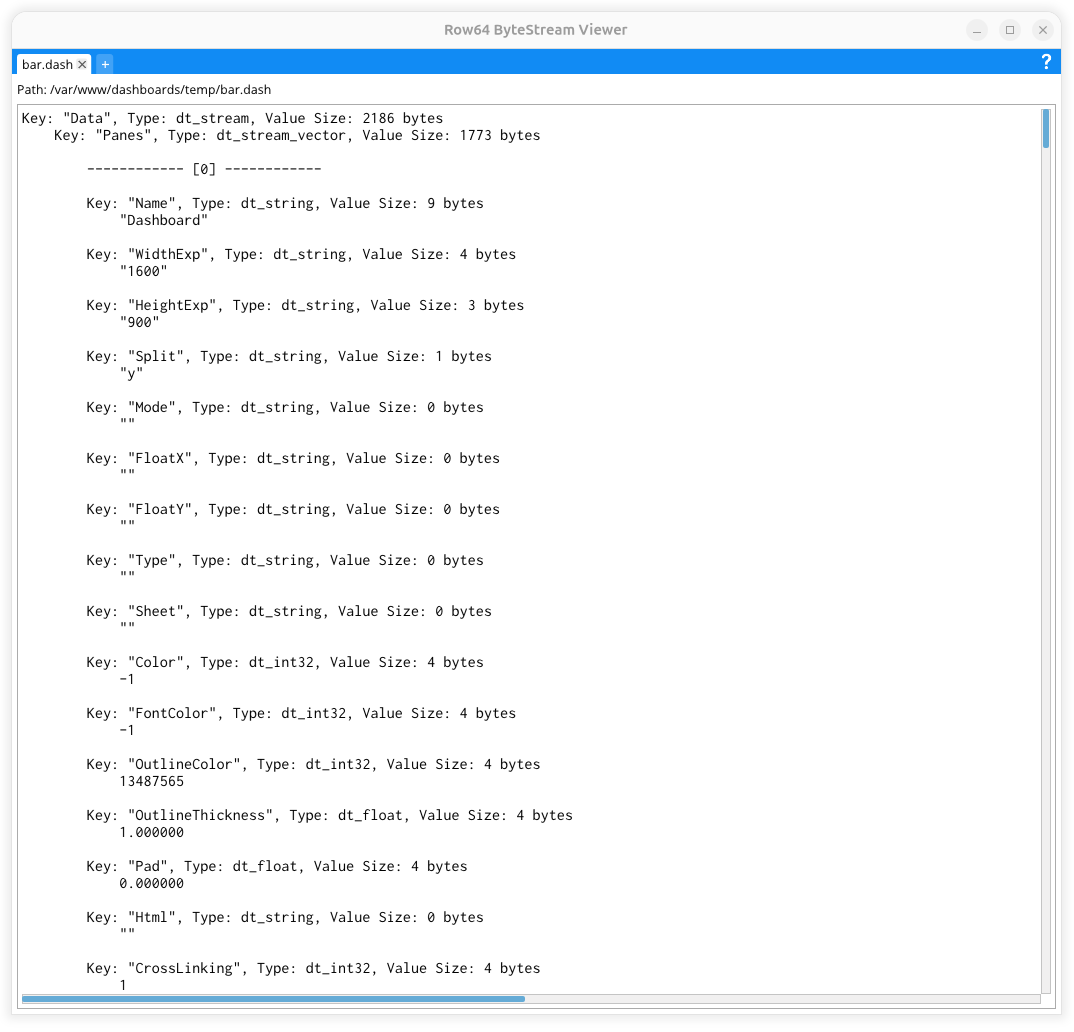
Users can view the .dash dashboard code from ByteStream Viewer and study their dashboards' code to learn how it works.
Tip
It can sometimes be helpful to copy the ByteStream content from the ByteStream Viewer to a preferred text editor, such as if the user wants to utilize a text search feature.
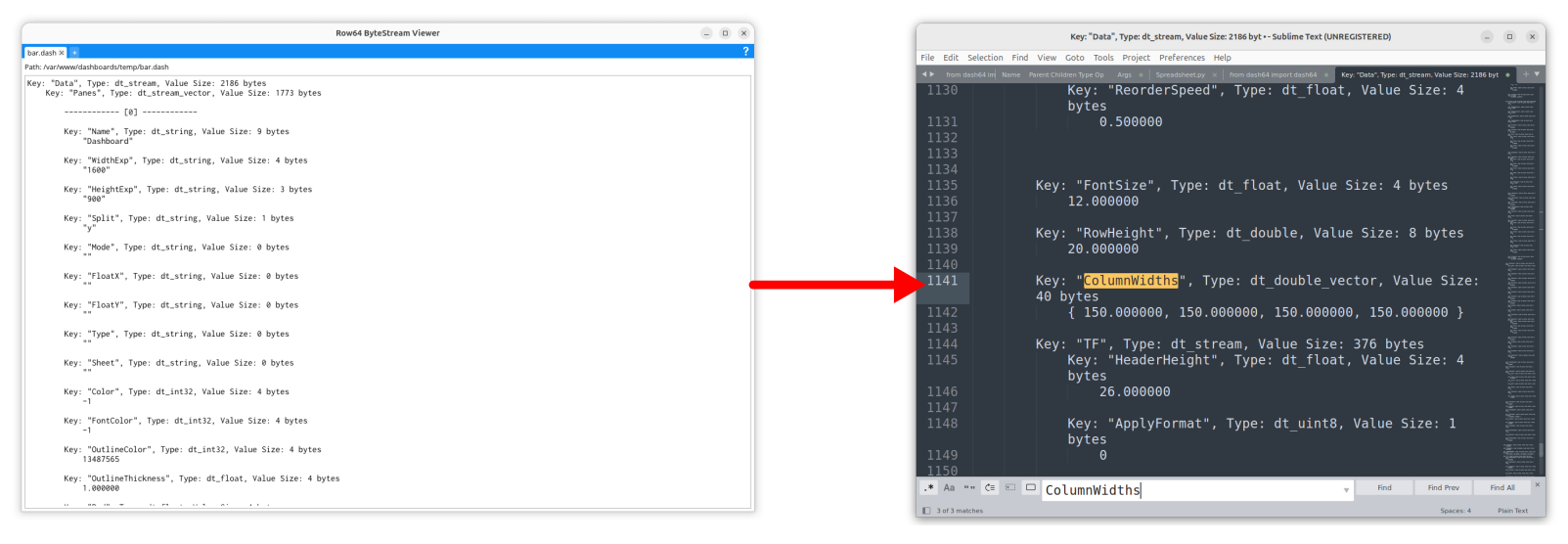
With an understanding of the code, users will be enabled to expand the API's capabilities.
ByteStream to Python Classes
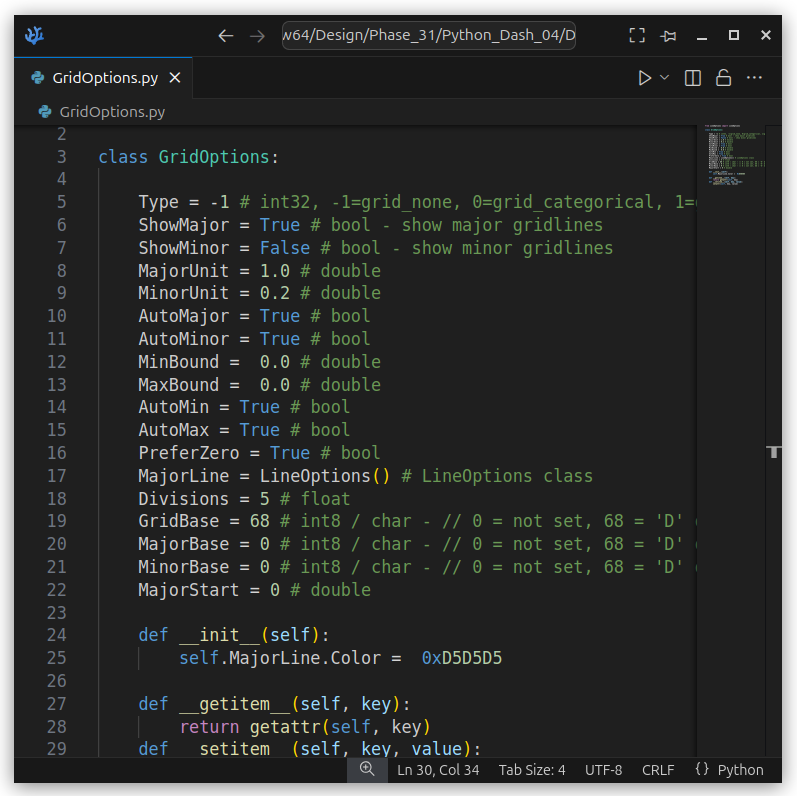
The DashAPI code is open source, under the MIT license. The DashAPI maps the ByteStream hierarchy into Python classes, so when you load, you fill these classes, and when you save, you output these classes into byte-level buffers.
A simple example would be the GridOptions.py class. If you study this code, you will see what options are available to change the gridline and divisions on bar, scatter, bubble, and line plots.