Security Overview

Authentication Overview
Row64 implements gold-standard security features and offers flexible setup options to support varying needs across diverse environments. For securing authentication and data transmissions, Row64 uses HTTPS and Auth. Row64 supports HTTPS with Auth and HTTPS without Auth.

The Row64 platform offers three forms of authentication for viewing published content:
- PUBLIC
- BASIC LOGIN
- AUTH
PUBLIC
Dashboards that are PUBLIC do not require any form of authentication to access. The PUBLIC option is ideal for publishing dashboards to a broad public audience.
BASIC LOGIN
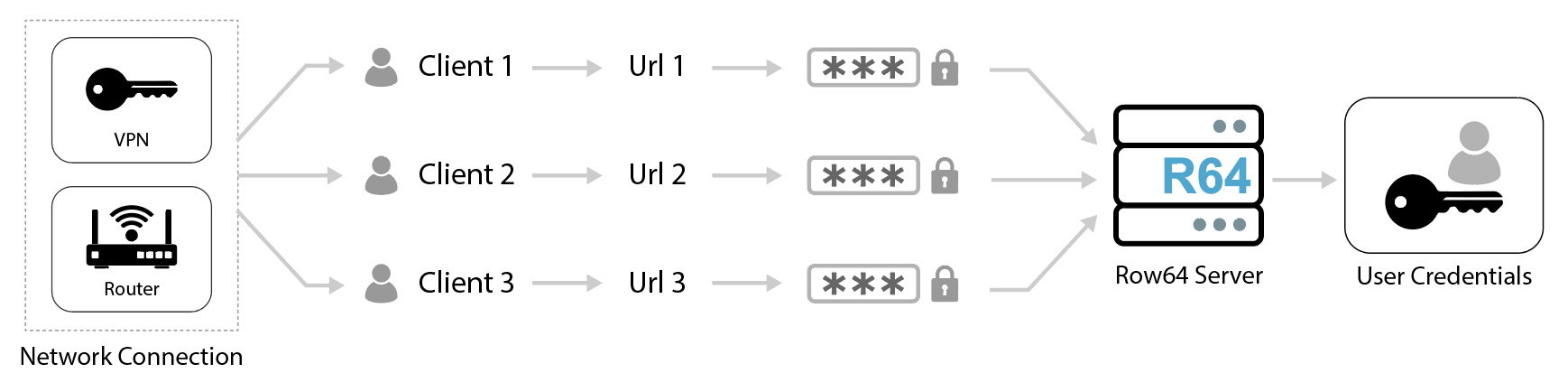
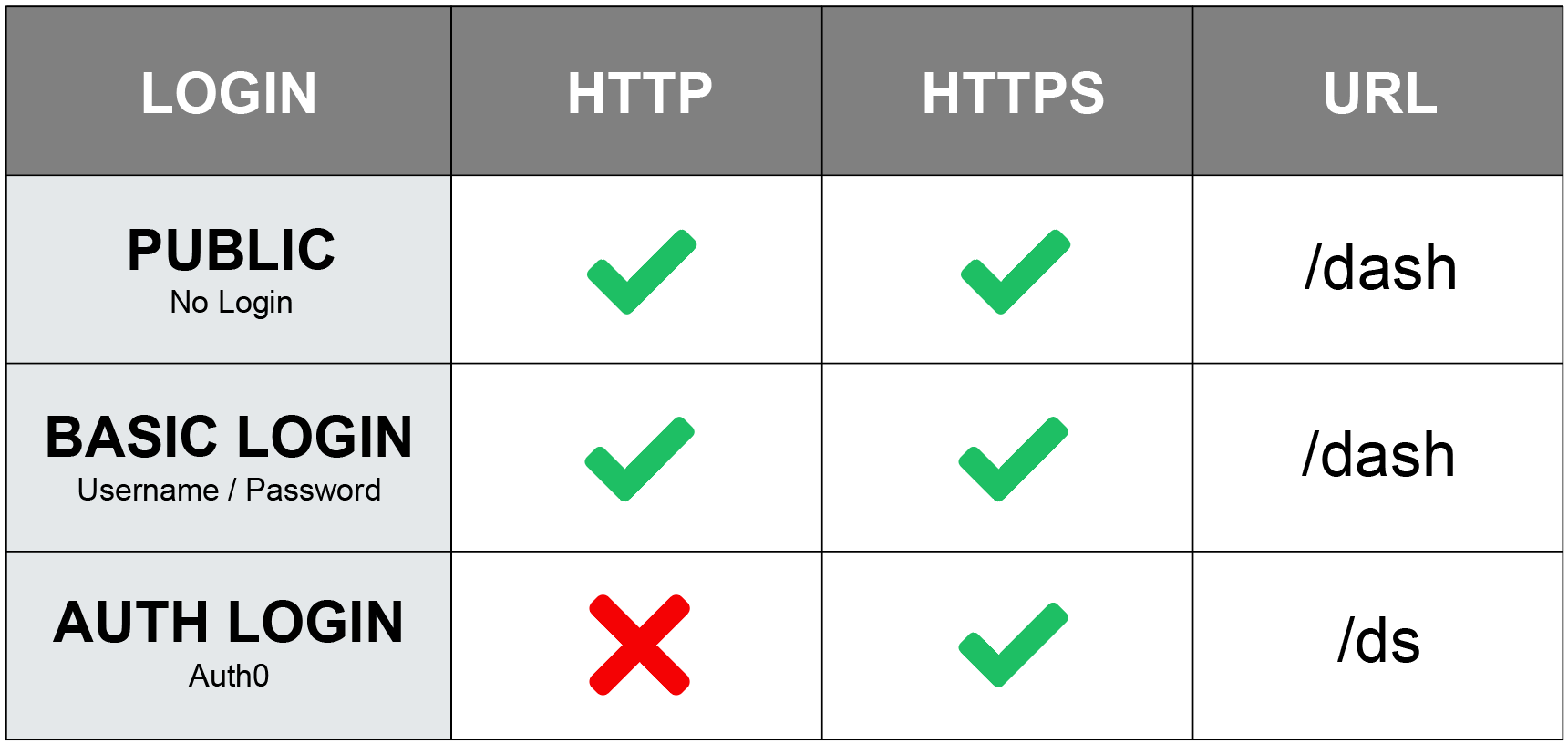
The BASIC LOGIN consists of a simple username and password combination. The BASIC LOGIN option is not inherently encrypted and is intended to be used within a secure VPN network. The BASIC LOGIN is easy to configure and administer, and can be used when Auth-level security is not required.
AUTH LOGIN
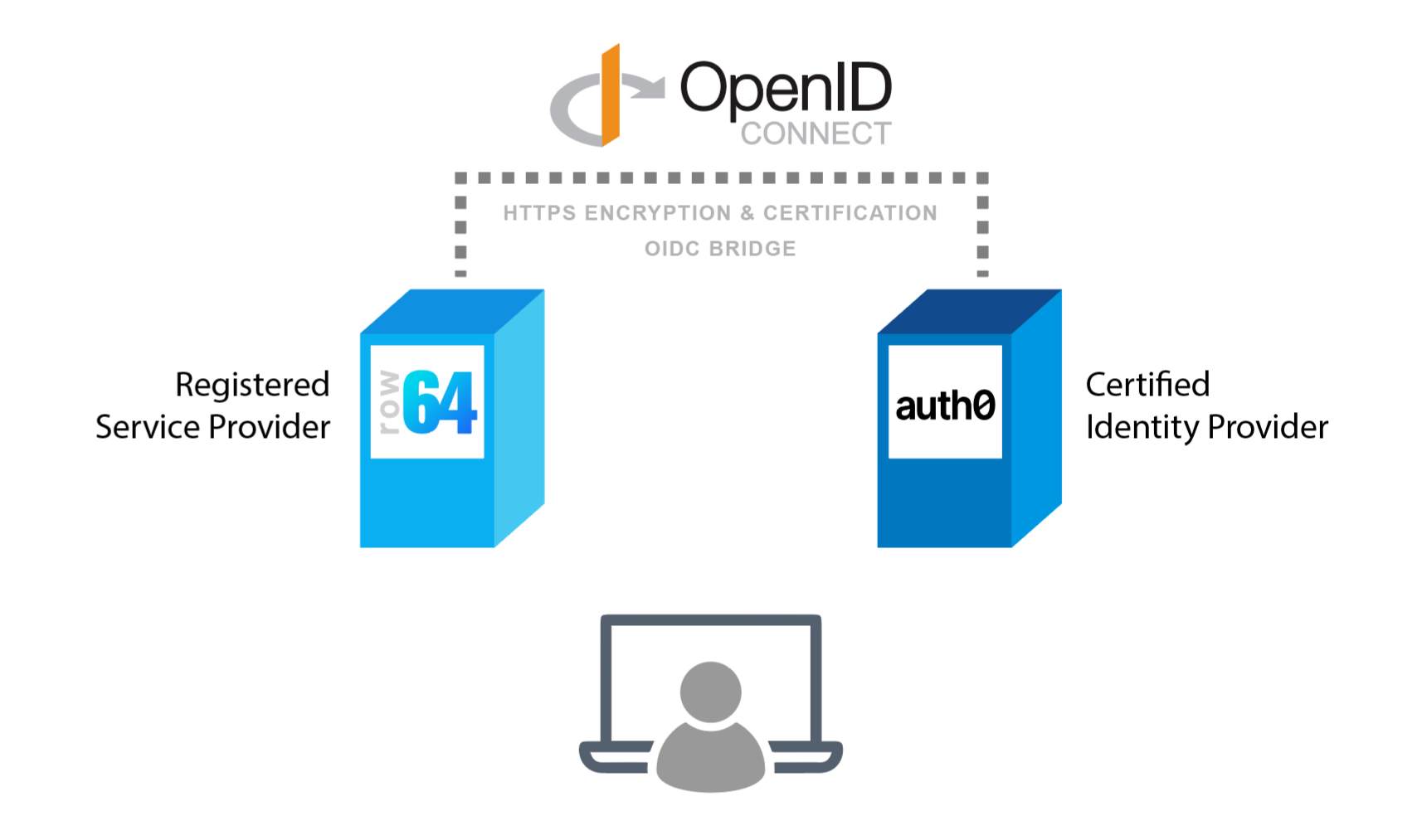
The AUTH LOGIN uses federation through Auth0 and is extremely secure. Auth0 by Okta is HIPAA and SOC2 compliant. With this option, a user authenticates through OpenID Connect, which is from Auth0.
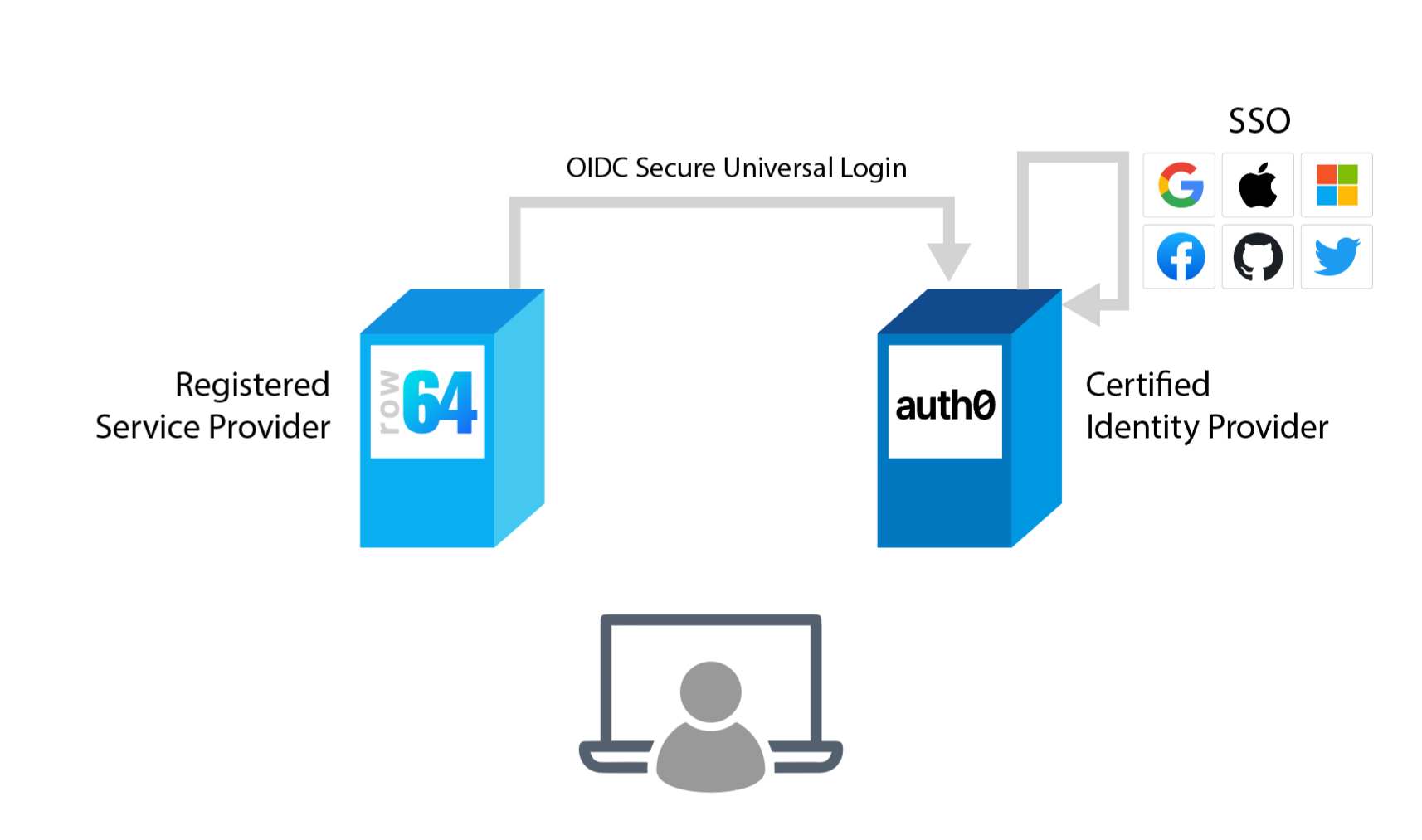
OpenID Connect (OIDC) is an Identity Provider. OIDC Centralized providers are certified and act as bridges between registered sites and Identity Providers. OIDC leverages registration and encryption for both parties.
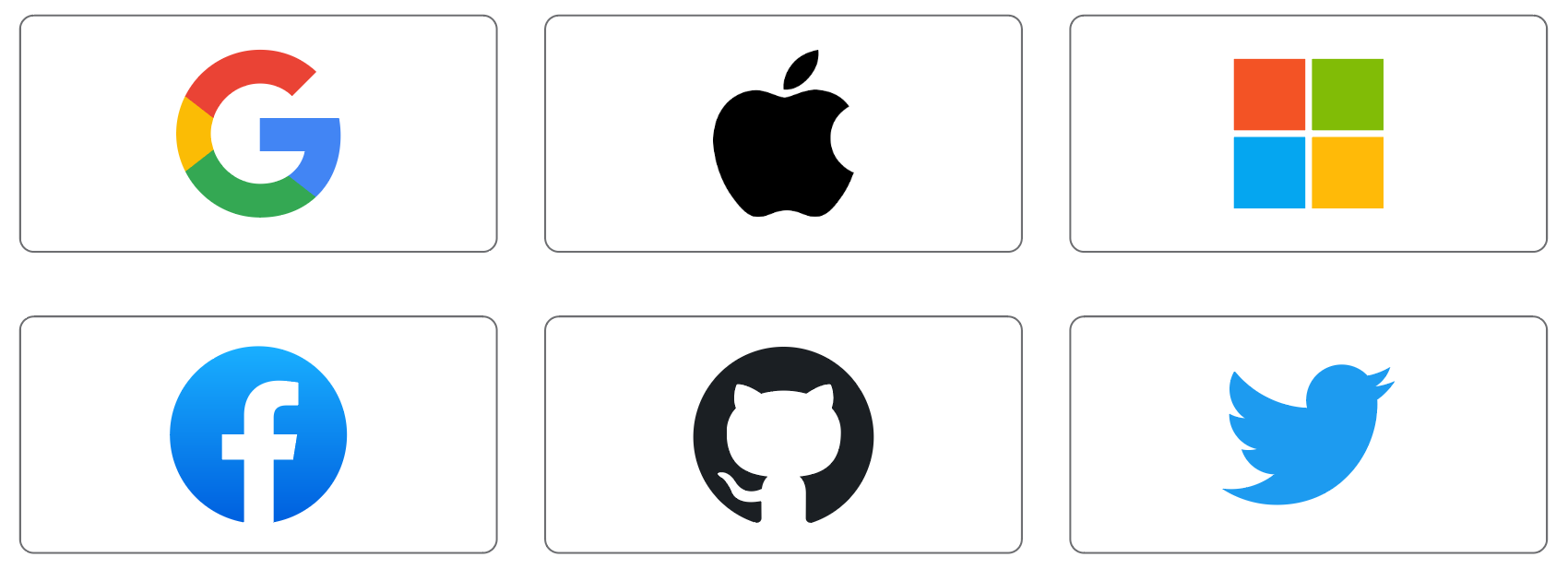
The OpenID Connect Identity Provider is secure and very popular. It is commonly implemented across many well-known platforms.
Federated Authentication Workflow
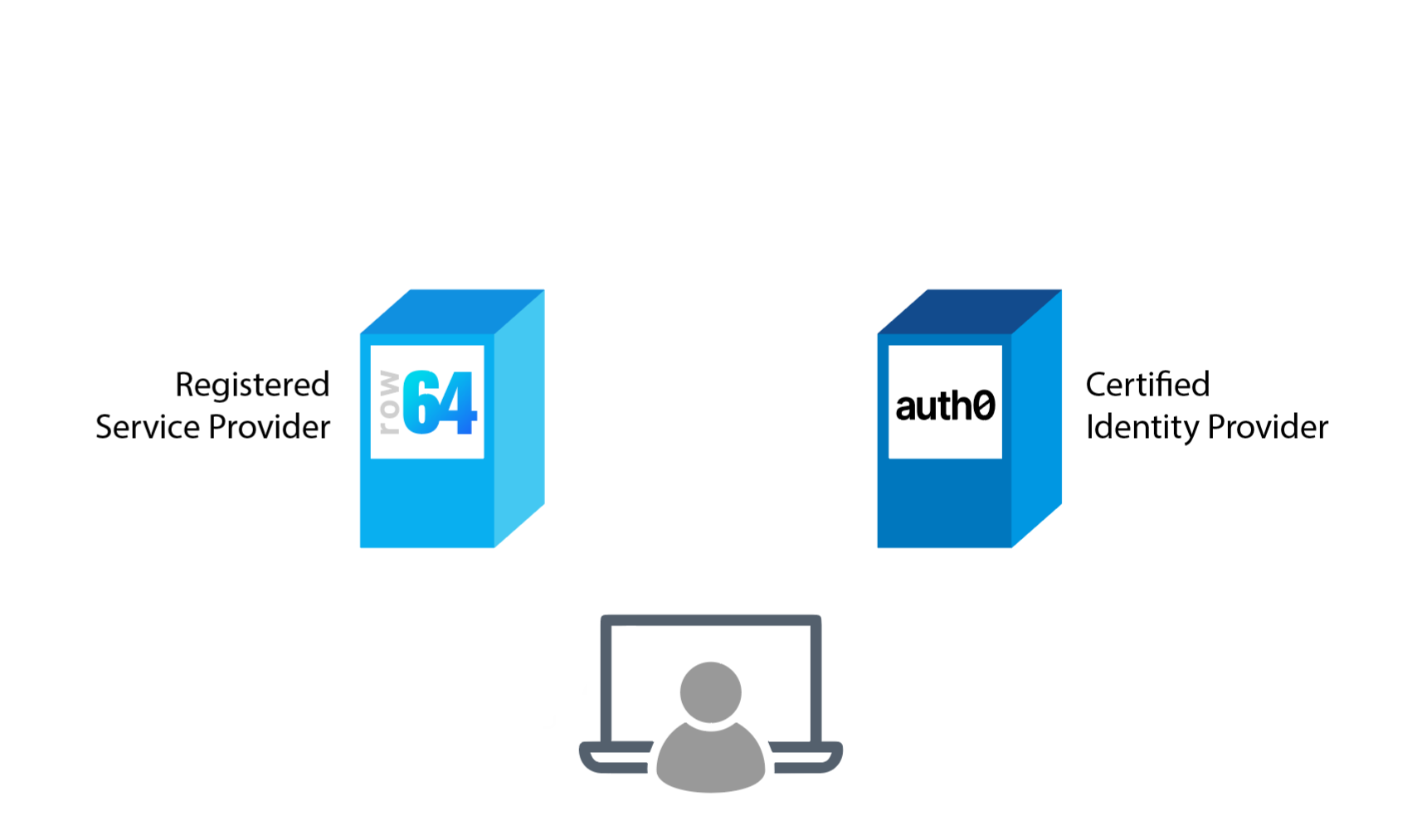
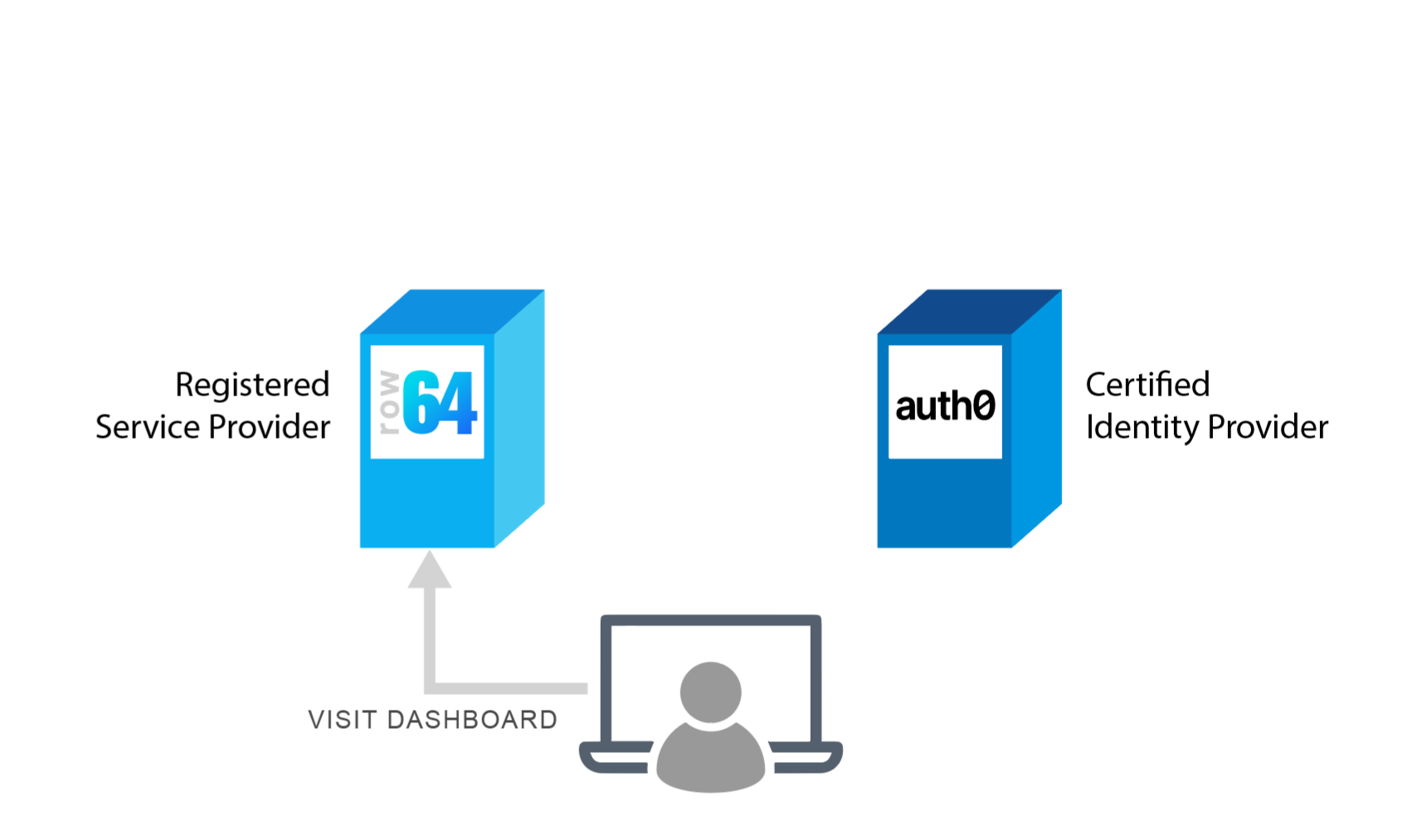
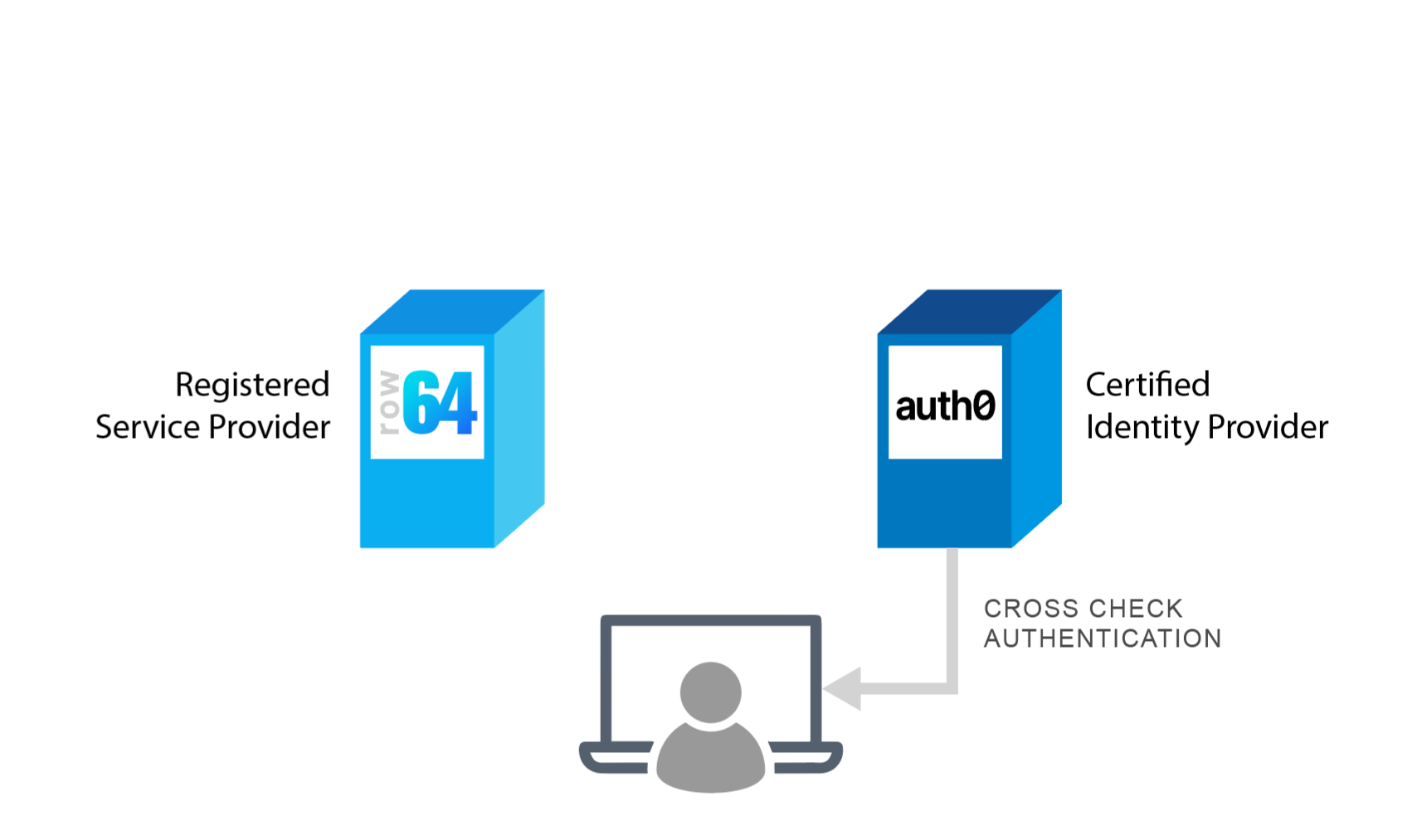
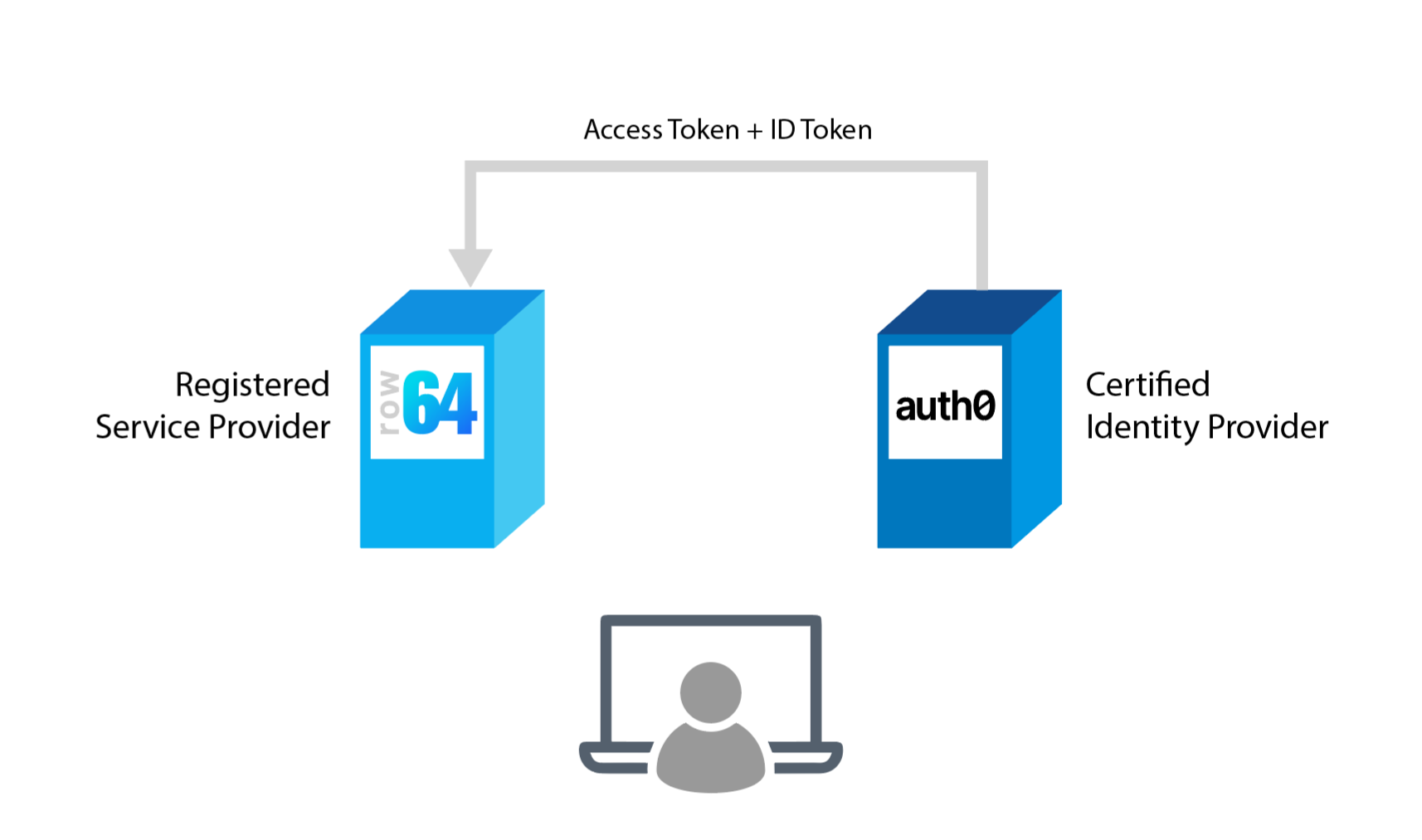
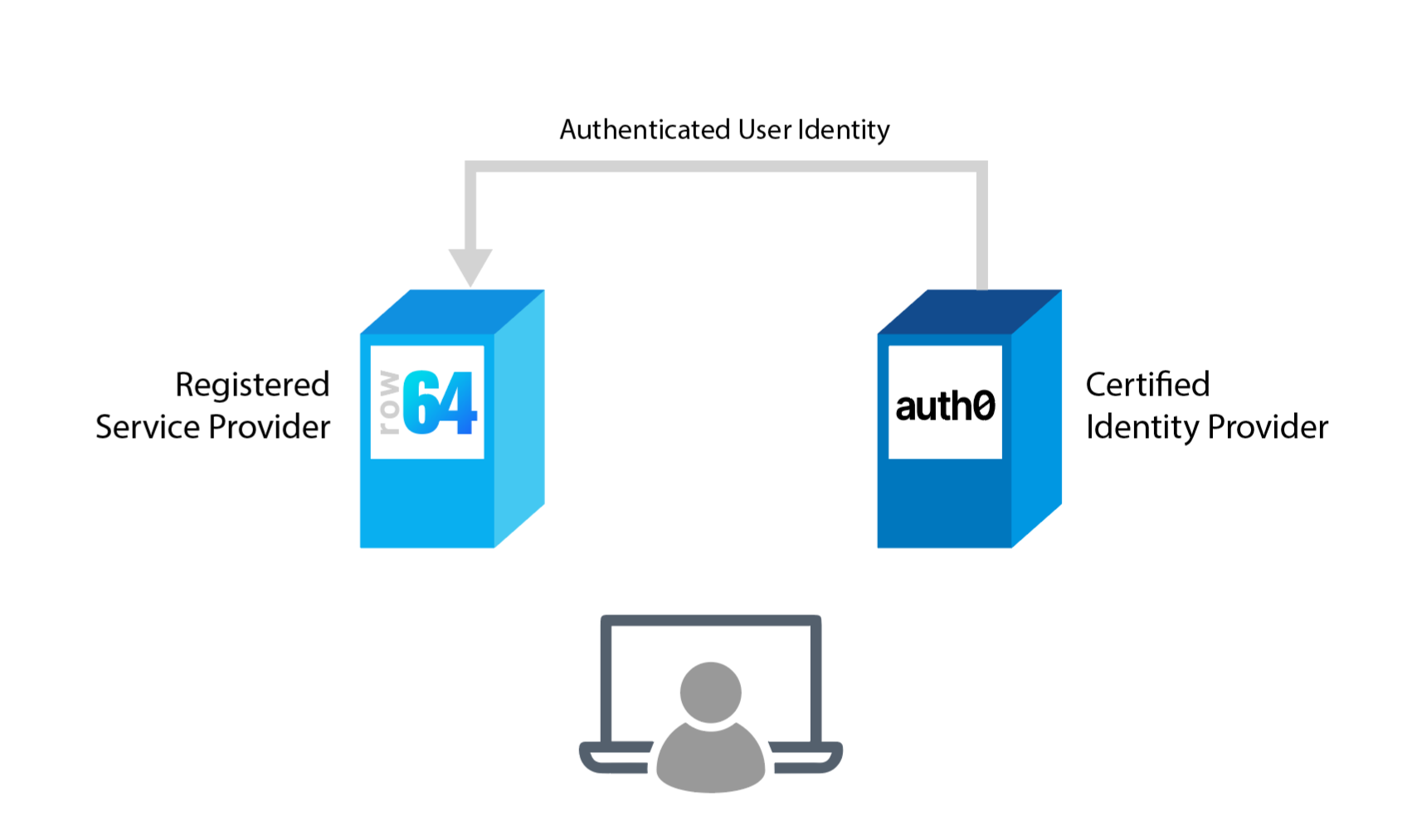
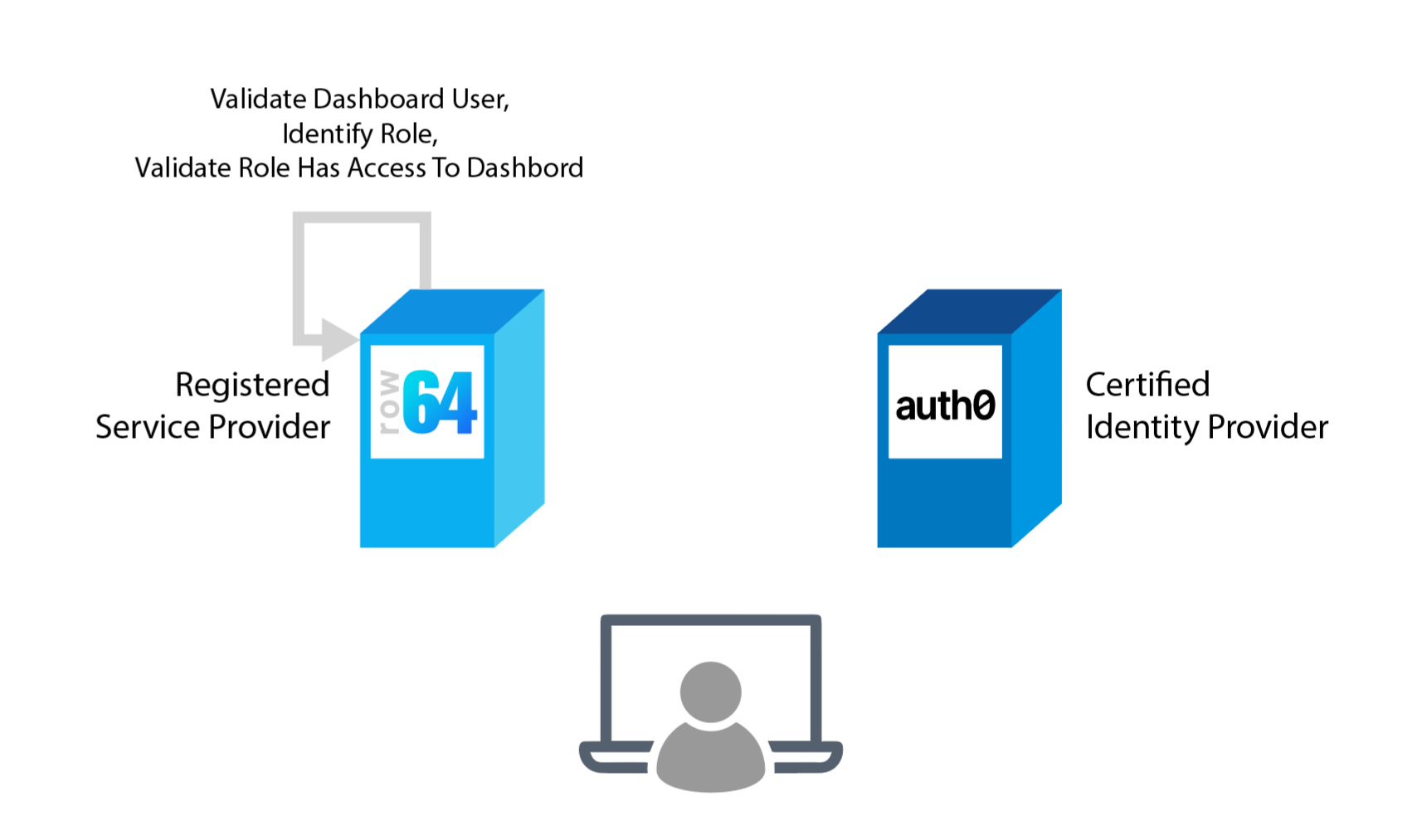
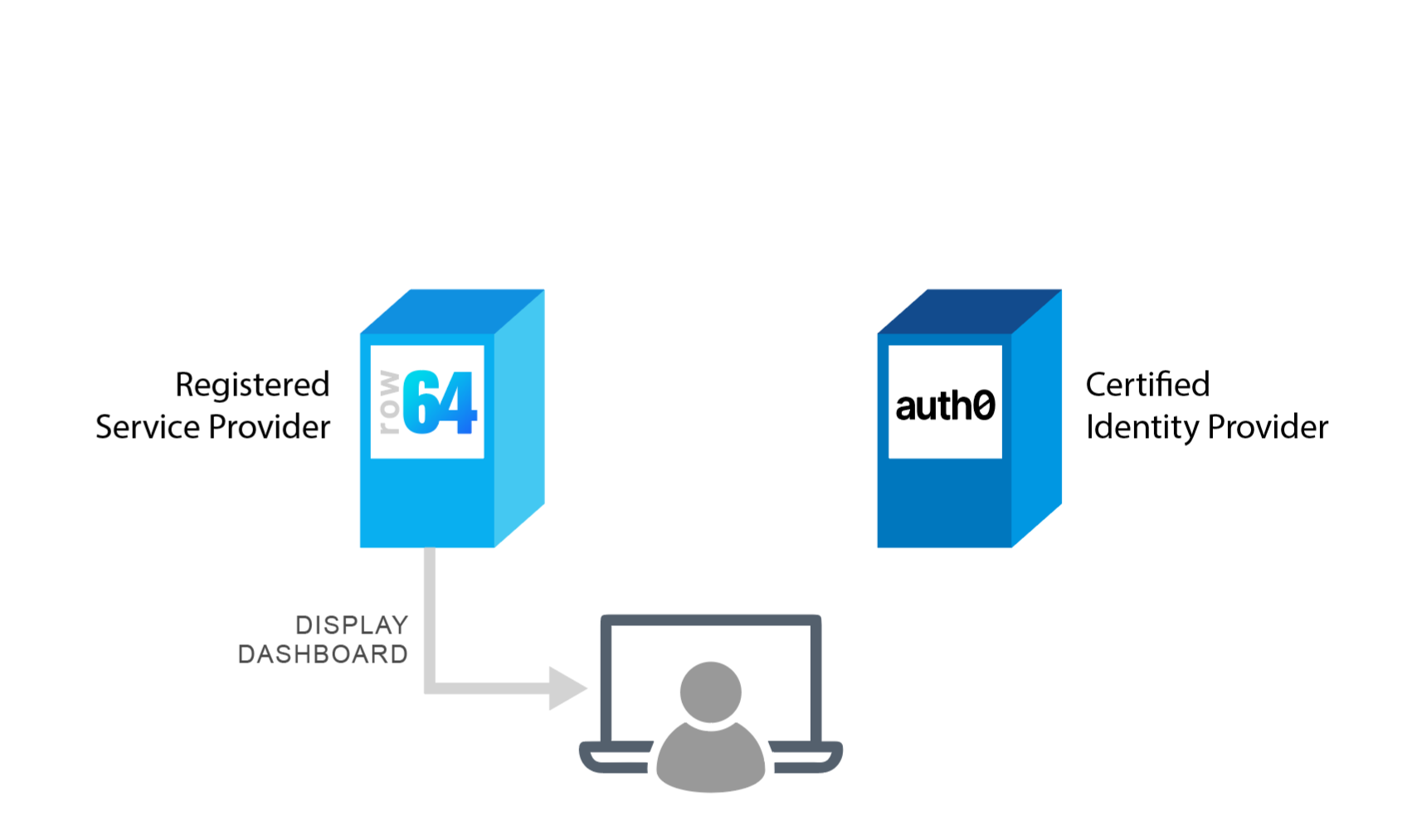
OIDC is federated and links user identities across multiple separate systems. A federated authentication workflow involves a user attempting to access a Service Provider, but needing to authenticate with a trusted, external Identity Provider. When a user attempts to access the Service Provider (such as a Row64 Dashboard), they are redirected to the external Identity Provider, which is responsible for managing user identities and granting or denying access. When a user successfully authenticates with the Identity Provider, the Identity Provider sends a Secure Token to the Service Provider, instructing the Service Provider to grant access to the authenticated user.
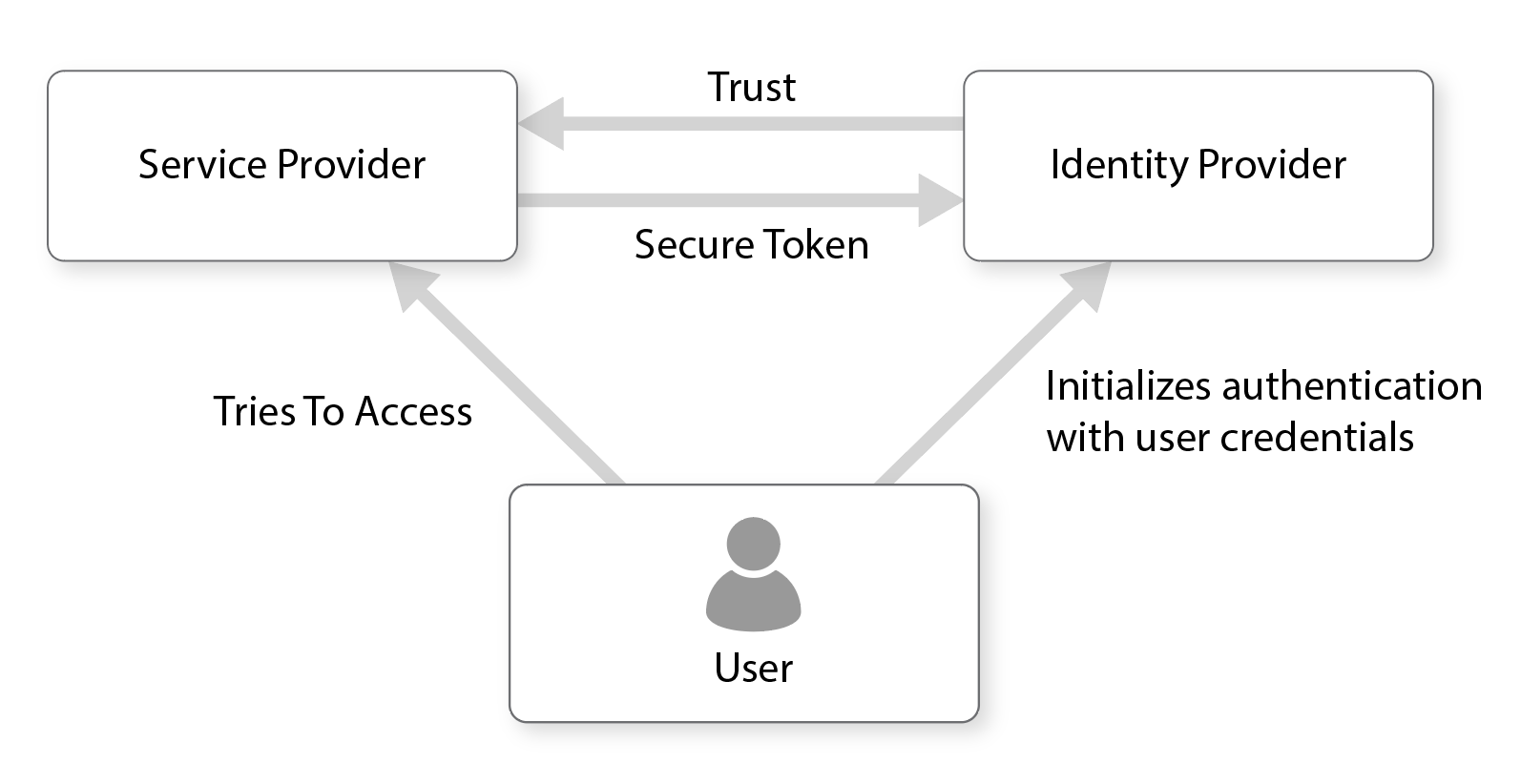
Row64 Federated Authentication Workflow
URL Folders
In the Row64 platform, various login and security combinations use different URL folders:
Configure your Authentication
To learn how to configure the authentication options for your environment, please contact Row64 at: info@row64.com
Security Groups
In addition to the various user authentication methods, Row64 gives users granular control over group access to tables and dashboards, enabling them to define which groups have access to which tables and dashboards. To learn about group access, please see the Server Management page.